Technology2026-09-215 min read

AI phishing in Microsoft 365: UAE staff controls

Microsoft has documented phishing campaigns using ChatGPT, Claude and other AI brands. For UAE companies on Microsoft 365, the sensible response is better sign-in discipline, not panic buying.

AI phishing in Microsoft 365: UAE staff controls

AI phishing in Microsoft 365: the UAE staff rule

UAE businesses using Microsoft 365 should brief staff that an AI-themed email, plugin or installer is now a normal phishing lure. The sensible first step is to tighten identity and email controls, then make one rule clear: do not update an AI account, approve a sign-in or install a plugin from an unsolicited message.

Microsoft’s September 10, 2026 report describes campaigns impersonating ChatGPT, Microsoft Copilot, DeepSeek and Claude. The campaigns used phishing emails, malicious advertising, search results and fake downloads. Microsoft says the incidents were not compromises of the AI services themselves. Attackers were borrowing their names and branding because those names create curiosity and trust. Microsoft’s full report sets out the attack chain.

The new lure is AI, but the old weakness is trust under pressure.

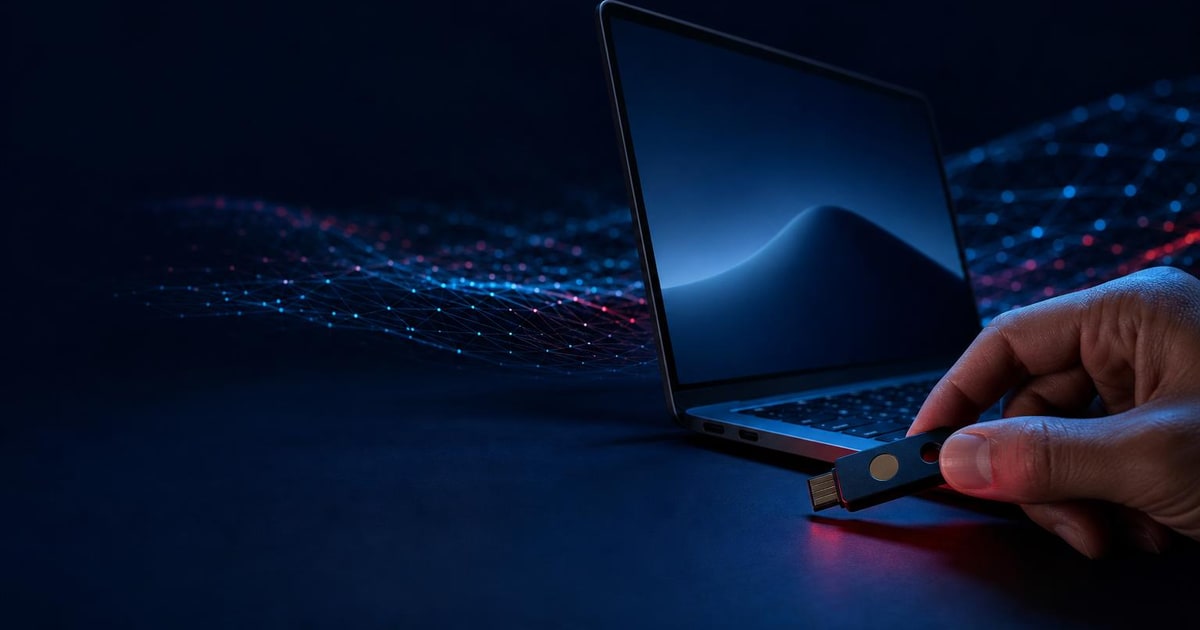
A security key is held above a laptop sign-in port against a dark field of flowing data lines.
A hand pauses over a smartphone sign-in approval while an open laptop sits behind it in a dark office.

How AI phishing campaigns target Microsoft 365 users

One ChatGPT-themed campaign sent as many as 100,000 emails in one day. The message warned that a ChatGPT Plus account would be downgraded unless the recipient updated payment details within seven days. The landing page collected names, addresses and card information.

A Claude-themed campaign used a different route. It claimed that the recipient had breached an acceptable-use policy and needed to appeal. A PDF attachment led through branded pages towards a Microsoft sign-in experience. Microsoft assessed that the operation was consistent with adversary-in-the-middle phishing, where the attacker aims to capture credentials or authentication tokens.

Other campaigns promoted fake AI Windows plugins or installers. Microsoft observed a fictitious “Awesome AI Windows plugin” delivering Vidar information-stealing malware. It also found fraudulent DeepSeek V4 repositories on GitHub. The fake repositories used stolen branding, real benchmark information and search-friendly names to look credible.

For a UAE company, the point is not whether employees use ChatGPT, Claude or DeepSeek every day. The point is that the subject is believable. A finance employee may respond to a payment warning. A sales employee may download a productivity plugin. An executive may approve a sign-in while travelling. The same pattern can lead from an email to a stolen identity, a compromised device and financial fraud.

Microsoft 365 controls for AI-themed phishing

The most serious example in Microsoft’s report involved a business email compromise attempt using a legitimate Microsoft device-code sign-in flow. The user was persuaded to start the process, allowing the attacker to pursue access without relying on the usual password-stealing page.

Microsoft says Defender correlated identity and email signals and disrupted that attack within four minutes. The company also reports that its attack-disruption capability contains more than 81,000 compromised user accounts each month and disrupts more than 45,000 adversary-in-the-middle attacks monthly. Those figures are Microsoft’s own research figures, not a guarantee for every tenant.

The practical UAE lesson is straightforward. MFA remains necessary, but a business should also review how sign-ins, email, endpoints and cloud applications are monitored together. Microsoft recommends enforcing MFA for all accounts, using conditional access, strengthening privileged accounts with phishing-resistant MFA, enabling Zero-hour Auto Purge and configuring Safe Links to check URLs when a user clicks them.

Owners who want the wider identity question can also compare this with our earlier guide to safer AI access for UAE firms. It is a useful distinction: approving an AI tool is a governance decision, while approving a suspicious sign-in is an incident.
What UAE business owners should do about AI phishing

Start with a short, specific staff message rather than a general warning about cybercrime. Include these instructions:

Then ask whoever administers Microsoft 365 to check the basics. Confirm that MFA covers every user, that no accounts are excluded, and that privileged accounts use stronger sign-in controls where possible. Review Safe Links, Safe Attachments and post-delivery message removal if the organisation’s Microsoft licensing supports them.

If the company has no security administrator, the next step is not automatically a new security platform. It may be a documented review of the current Microsoft 365 setup, followed by a staff exercise using a harmless example. The aim is to remove uncertainty about who checks an alert and who can disable an account.

Do not ask employees to identify every malicious domain by eye. The Claude campaign used redirects, branded pages and a PDF attachment. The DeepSeek campaign appeared in a real software repository. The better control is to make the approved route clear: use bookmarked vendor websites, official app stores or an internal software request process.

  • —Treat unexpected AI subscription notices as suspicious
  • —Never use a link in an email to update payment details
  • —Do not install an AI plugin from an advert, search result or unsolicited message
  • —Stop if a document asks for a device code or unusual sign-in approval
  • —Report the message before deleting it

When a UAE business needs Microsoft 365 security help

Paknology has a commercial interest if this review leads to wider work around websites, automation or business systems. That is separate from Microsoft Defender administration, which is not one of Paknology’s listed services. Our ERP and automation service may be relevant when a company needs to understand how systems and approvals connect, but a Microsoft 365 administrator or specialist security provider may be the cheaper and simpler option for a Defender-only task.

For now, most small UAE firms do not need a dramatic response. Send the briefing, verify MFA and sign-in controls, and make software installation rules explicit. If the question is broader than this incident and concerns how business systems should connect, talk to us with a list of the tools already in use.

Ready to launch, automate and scale?

Book a free consultation and get a clear roadmap — from company formation to a fully automated digital operation.