Technology2026-10-285 min read

Apple multiseat subscriptions: UAE app setup for team seats

Apple now lets organisations buy multiple seats for auto-renewable app subscriptions through Apple Business and Apple School Manager. Here is what UAE app developers need to change, and what can wait.

Apple multiseat subscriptions: UAE app setup for team seats

Apple multiseat subscriptions for organisations: what changes

Apple added multiseat purchasing for auto-renewable subscriptions in App Store Connect on October 22, 2026. An organisation can buy several seats through one Apple In-App Purchase, then assign and manage those seats through its existing device-management tools. Seats can also be added or removed as needs change.

The feature is aimed at organisations using Apple Business or Apple School Manager. On the App Store, customers can buy a subscription for themselves or as a group. In Apple Business and Apple School Manager, multiseat purchasing is required.

Apple says multiseat purchasing is enabled by default in App Store Connect unless the developer has changed the setting. It can be managed separately for the App Store, Apple Business and Apple School Manager. Apple’s announcement explains the change and links to the related App Store Connect guidance.

The important change is not a new subscription type. It is a simpler buying and administration route for teams.

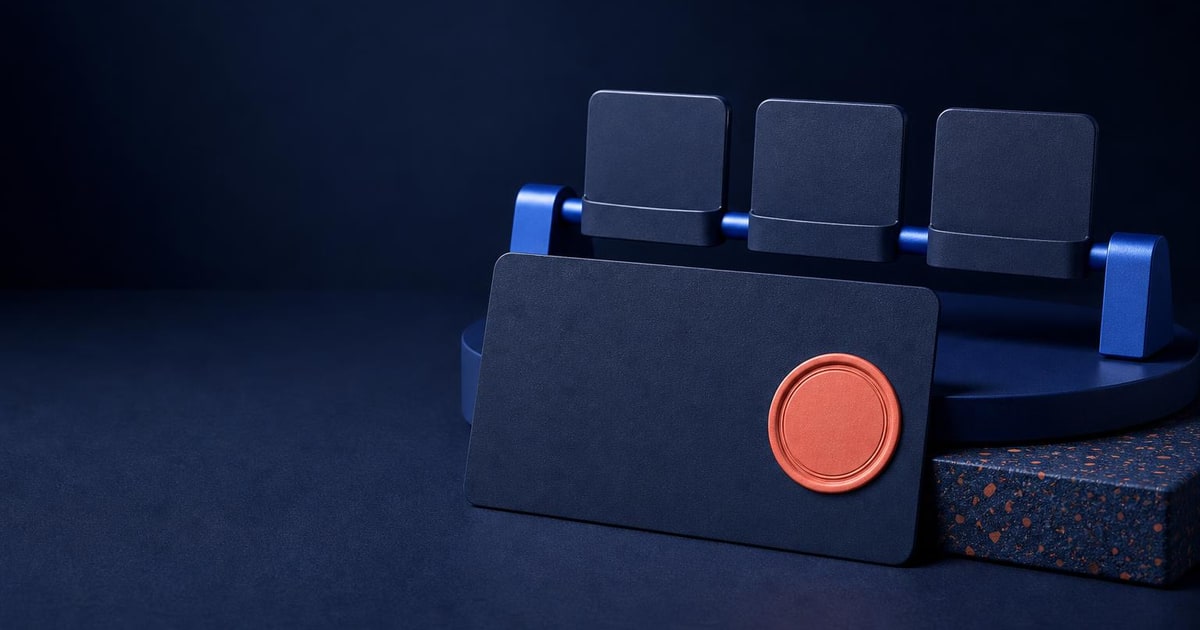
A blank subscription pass connects to three matching seat tabs on a dark blue background.

What Apple multiseat subscriptions change for UAE app businesses

For a UAE developer selling a productivity, education, retail, field-service or creative app, the buyer no longer has to treat every employee as a separate consumer subscriber. A company, school or department can buy the seats it needs under one purchasing flow.

That matters in the UAE because Apple Business is available in the United Arab Emirates with features including app acquisition, Managed Apple Accounts and built-in device management. The practical opportunity is therefore strongest where the target customer already manages company iPhones, iPads or Macs through Apple’s business tools.

A Dubai training provider, for example, could sell access to a group of instructors rather than asking each instructor to subscribe separately. A retail group could give store managers access to the same stock or training app. A school could allocate seats to teachers or pupils through its existing administration process.

This does not automatically create enterprise sales. The app still needs clear team permissions, sensible onboarding and a support process for the person who buys the seats. Apple handles the purchase and invitation mechanics, but the developer remains responsible for the product experience.
Apple multiseat subscription dates and App Store Connect settings

There are three dates to keep separate.

For an existing subscription, the first check is whether it uses StoreKit 2 and whether Family Sharing is enabled. Apple says subscriptions created before September 14, 2026 that do not use StoreKit 2, or that have Family Sharing turned on, are opted out by default.

The cost structure is still the subscription price and Apple’s normal commercial terms. The announcement does not provide a new UAE platform rate or a special multiseat fee, so developers should not build a forecast around an invented percentage. Model revenue using the price you set, the number of paid seats, expected renewals and any applicable taxes or platform deductions shown in your agreements and reports.

  • —October 22, 2026: organisation volume purchasing launched
  • —November 2026: developers can configure and test group purchases in the Sandbox Apple Account
  • —Winter 2026: group purchases are scheduled to become available on the App Store

How to enable Apple multiseat subscriptions in App Store Connect

A sensible preparation exercise is short and specific.

Apple says the required App Store Connect roles are Account Holder, Admin or App Manager. If multiseat purchasing is disabled for an approved subscription, new customers cannot buy multiple seats and the subscription is removed from Apple Business and Apple School Manager. Existing group subscriptions can continue renewing, but new seats cannot be added.

That is why a developer should test before changing a live setting. Check how the group purchaser is identified, how invitations reach users, what happens when a seat is removed and how customer support handles a staff change.

The official App Store Connect instructions set out the controls and their effect on existing subscribers.

  • —Open the app in App Store Connect
  • —Go to Subscriptions under Monetisation
  • —Select the relevant auto-renewable subscription
  • —Open Purchase Options
  • —Allow multiseat purchases and choose the available stores
  • —Confirm that the app’s StoreKit 2 and account-management flows work as intended

How UAE app owners should prepare for Apple team subscriptions

If your app already sells to companies or schools, prepare a small group-purchase test in November. Use a realistic team size, such as 10 or 20 seats, and test the full journey from purchase to invitation, login and removal.

If your app is mainly a consumer product, do not rebuild the business around this announcement. First check whether customers are already asking for team access. If not, simply review the setting, keep your existing subscription model and revisit group purchasing when Apple’s App Store launch arrives.

The commercial work may be more important than the switch itself. Your product page, onboarding and sales material should explain who manages seats, what happens when someone leaves and whether the app works across the Apple devices your customer uses. If the app or its website needs rebuilding, Paknology provides websites and mobile apps. If team subscriptions create wider reporting or workflow requirements, its ERP and automation service may be relevant, but only where that wider system is genuinely needed.

When Apple multiseat subscriptions need app or automation work

Paknology has a commercial interest if this change leads you to commission a website, mobile app or automation project. That does not mean every developer needs one. A developer with a working StoreKit 2 subscription and a clear customer base may only need to review App Store Connect and run tests internally.

A cheaper or simpler option is to use Apple’s own documentation, make the setting change yourself and test with your existing technical team. If you need product work around the subscription journey, review websites and mobile apps and start with the smallest change that solves the customer problem.

Before November testing begins, decide whether your target buyers are organisations, groups or individual consumers, then prepare one realistic seat-management test. If the app needs technical changes, talk to us with the current subscription setup and the user journey you want to improve.

Ready to launch, automate and scale?

Book a free consultation and get a clear roadmap — from company formation to a fully automated digital operation.