Technology2026-09-255 min read

BlueMoon Chrome Exploit: UAE Patch Checklist

BlueMoon chains Chrome and Windows flaws in targeted attacks. Here is the practical UAE owner’s checklist, including when the sensible response is simply to patch and carry on.

BlueMoon Chrome Exploit: UAE Patch Checklist

UAE BlueMoon Response: Patch Chrome and Windows

Patch Chrome, Edge and Windows through your normal update process, then check which machines still run older Windows builds. BlueMoon is not a reason to buy a new security product by itself. It is a reason to stop treating browser and operating-system updates as optional maintenance.

Proofpoint first observed BlueMoon on 28 August 2026. It was used by several espionage-focused groups within days. The kit chains two Chromium browser vulnerabilities with a Windows privilege-escalation flaw. The observed targets were in the US and Southeast Asia, including NGOs, mining, commodity trading, aerospace, manufacturing, government, consulting and financial organisations. There is no evidence in the reporting that UAE companies were among those victims.

The sensible UAE response is therefore specific: patch the software you use, identify machines that cannot take the update, and review access from those machines to email, cloud storage, finance systems and other business accounts.

The risk is not the name BlueMoon. The risk is a browser session sitting on an unpatched Windows machine.

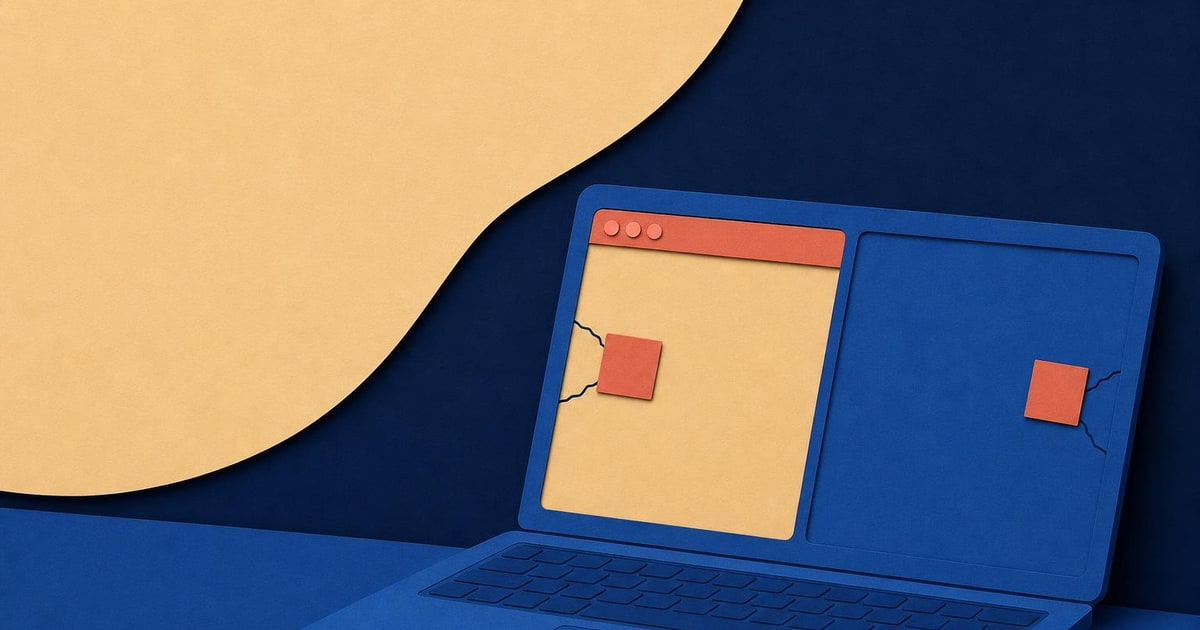
A laptop displays two software panels while paper patches cover cracks across its screen.

BlueMoon Chrome and Windows Exploit Chain

The first browser flaw, CVE-2026-85046, affects the V8 JavaScript engine used by Chrome and other Chromium-based browsers. The second is a V8 sandbox escape. The Windows flaw, CVE-2026-85880, is a local privilege-escalation vulnerability affecting older Windows builds.

Proofpoint described the browser flaws as “patch-gap” vulnerabilities. The fixes were visible in public Chromium source code before they reached stable browser releases. That gave attackers a period in which they could study the changes and prepare an exploit before many users received the patch.

The attack begins with a phishing email and a link to an attacker-controlled website. If the browser and Windows build are vulnerable, the chain can run code, escape the browser sandbox and download a further payload. Observed payloads included browser-surveillance malware, credential-stealing backdoors and ShadowPad.

One campaign installed a fake Google Gemini browser extension. Proofpoint said it could access cookies, browser storage, tabs and keystrokes, capture screenshots and issue commands through an external control channel. In business terms, that could expose active browser sessions and information entered into web-based systems. That is an inference from the capabilities described in the research, not evidence that a particular UAE account has been compromised.

Read the Proofpoint technical report on BlueMoon for the full exploit chain and campaign detail. The original reporting also explains why the kit was shared so quickly between different actors in The Register’s account of BlueMoon.
UAE BlueMoon Patch Checklist for Chrome and Windows

Do this in order, using the tools your business already has:

Microsoft said customers who applied the patch for CVE-2026-85880 were protected. Google patched CVE-2026-85046 in Chrome on 3 September 2026, while Microsoft said Edge Stable included the fix in version 152.0.4191.62 on 2 September. Check the current versions shown by your own update channels rather than relying on these dates alone.

For a small firm, a spreadsheet can be enough for the first pass. For a growing operation, the harder problem is knowing who has access to which systems. If browser-based finance, stock or customer workflows have grown informally, an ERP and automation review can help clarify the systems and user accounts that matter most. It does not replace endpoint security or patch management.

  • —List every Windows laptop, desktop and server used for business work.
  • —Check Chrome, Edge and any other Chromium browser versions on those machines.
  • —Apply available browser and Windows security updates.
  • —Prioritise machines used for email, Microsoft 365, banking, accounting, CRM and cloud administration.
  • —Find devices on older Windows builds, especially Windows 10 releases and Windows 11 21H2, which Proofpoint identified as within the Windows exploit’s supported range.
  • —Remove unnecessary browser extensions and investigate any extension that staff did not install deliberately.
  • —Ask users to report unexpected internship, quotation, conference or supplier emails containing links.
  • —If a machine appears compromised, isolate it, revoke active sessions and reset credentials from a separate trusted device.

BlueMoon Impact on UAE Business IT Security

BlueMoon does not create a new UAE filing, licence or sector rule. It changes the practical standard for routine IT housekeeping. A business can be reached through a convincing email, a browser link and an old workstation. The attacker may not need to break directly into a cloud provider if a stolen browser session already has useful access.

Website administrators, ecommerce staff and finance teams deserve particular attention because they often work inside browser tabs all day. Review administrator access for your website and online sales accounts, and avoid keeping shared passwords in browser profiles. If your website operations need a separate access review, Paknology’s websites and mobile apps service covers the build and maintenance side, not cybersecurity monitoring.

Doing nothing can be sensible after the checks are complete. If every relevant device is patched, unsupported machines are removed or isolated, browser extensions are controlled and important sessions have been reviewed, there is no good reason to launch a costly BlueMoon project. Keep the update process running and move on to the next ordinary control.

Paknology’s BlueMoon Support and Cybersecurity Limits

Paknology has a commercial interest where this issue overlaps with websites, ecommerce systems, ERP and automation, or mobile apps. It does not provide a dedicated cybersecurity monitoring or incident-response service, so a business facing signs of compromise should use its IT security provider, managed service provider or the relevant software vendor.

A cheaper or simpler option may serve you better: apply browser and Windows updates internally, keep a basic device register, remove unused extensions and ask your existing IT support to confirm the patch status. The next step is to prepare that device and access list before seeking help with any wider systems work.

Ready to launch, automate and scale?

Book a free consultation and get a clear roadmap — from company formation to a fully automated digital operation.