Technology2026-11-064 min read

iPhone Duo App Requirements for UAE Developers: April 2027 Checklist

Apple has published new iPhone Duo development and App Store asset guidance. UAE app teams should review layouts, screenshots and previews before support assets become mandatory in April 2027.

iPhone Duo App Requirements for UAE Developers: April 2027 Checklist

iPhone Duo App Requirements and April 2027 Screenshot Deadline

Apple has published updated guidance for apps targeting iPhone Duo, its foldable iPhone. The immediate change is not a new UAE rule. It is an Apple platform requirement that affects how an app behaves across folded, unfolded and different orientations. Apple says iPhone Duo will be available from October 23, 2026, and apps submitted from April 2027 must include iPhone Duo screenshots.

Apps built with Xcode 27.1 can use the new development support. Apple says developers can use Device Hub to visualise how an app behaves across poses and orientations. App Store Connect also has a preview tool for checking product page assets before publication.

The April 2027 deadline is about App Store screenshots, but the layout work starts in the codebase.

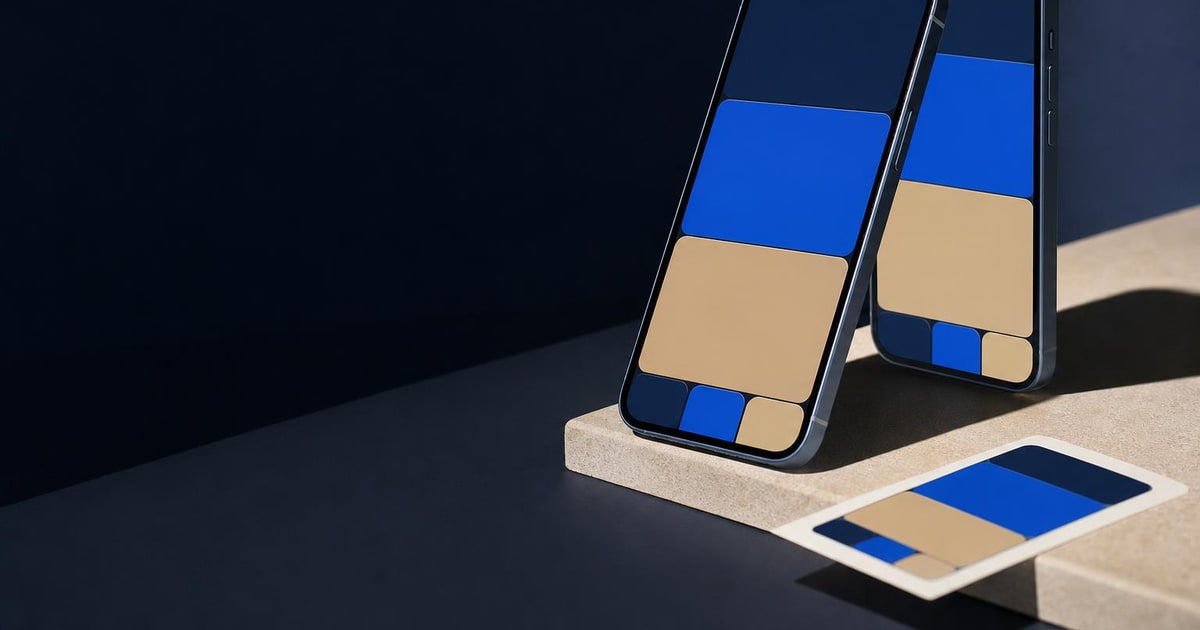
Two blank-screen smartphones and an unmarked preview card sit on a developer workstation under strong side light.

UAE App Layout and App Store Changes for iPhone Duo

For a UAE company with an iPhone app, this creates two separate jobs. The first is responsive development. The second is App Store presentation.

Apple says apps built with the iOS 27.1 SDK or later can use the full display, with toolbars and tab bars appearing vertically below the status bar. That is different from an app designed around a fixed phone screen. Existing code that assumes a particular width, height, orientation or device type may produce stretched, clipped or misplaced content.

The most important review points are practical:

This matters in the UAE because many local businesses operate a single app across customers, delivery teams, field staff and internal users. A layout problem may affect only one device shape, but it can still damage the first impression of a banking, retail, restaurant, property or service app.

  • —Replace layout decisions based on `UIScreen.main` with the current view or window size.
  • —Avoid using device orientation as a substitute for available layout space.
  • —Do not assume that a regular width means the app is running on an iPad.
  • —Remove checks based on known device dimensions.
  • —Test full-bleed images and video so important content is not cropped.

iPhone Duo App Testing and App Store Preparation Steps

Start with an inventory, not a redesign. Identify the screens that use fixed dimensions, orientation checks, custom windows or full-bleed media. Apple’s own preparation guide says its Xcode resizability skill can scan a project for several of these patterns, explain the issue and suggest a fix. It also warns that the scan will not find everything.

Next, build or recompile with Xcode 27.1 and test resizing. Apple lists the iOS resizable simulator in Device Hub, iPhone Mirroring on macOS 27 and the iPhone Duo simulator in Xcode 27.1. Test extreme widths in both directions, then check navigation, forms, tables, checkout screens, video, maps and any screen with a fixed bottom bar.

Finally, review the App Store page. Apple says iPhone Duo screenshots submitted in App Store Connect will display a badge showing that the app is optimised for the device. The new guidance covers screenshots, app previews, product page headers, search result assets and In-App Events. Screenshots and previews should show the real experience, not a generic promotional mock-up.

For a UAE business without an in-house mobile team, websites and mobile apps support can be the right place to scope the code and asset work together. If the app is also being repositioned for acquisition, digital marketing and SEO support may help with the wider message, but it is not a substitute for testing the app itself.
When UAE Apps Need iPhone Duo Changes

Not every UAE app needs a full rebuild. Apple says apps built with the iOS 26 SDK or earlier will still run on iPhone Duo, but they will not adapt to all layouts. An app may appear centred with empty space on the inner display, or sit differently on the outer display.

That gives an owner a useful decision rule. If the app is stable, lightly used and not due for a major release, start with an audit and asset plan. If the app handles payments, bookings, delivery, customer support or daily operations, give the layout review higher priority because the cost of finding a broken flow after launch is operational rather than merely visual.

Do not create screenshots before the interface is final. Apple’s App Store guidance says the preview tool can show how product page assets appear across devices and orientations. Use it after the app has been tested, then prepare the required iPhone Duo screenshots before the April 2027 submission requirement begins.

Paknology Support for UAE iPhone Duo App Updates

Paknology has a commercial interest when a UAE company needs mobile app development or a related website project, so it is not always the cheapest route. A capable internal developer, an existing Apple specialist or a focused design contractor may be simpler for a small layout audit or a few replacement screenshots.

The sensible next step is to list the screens and assets that need checking, then decide whether the work is a code change, an App Store production task or both. If the project needs broader mobile development, Paknology’s mobile app service is the relevant option; otherwise, use Apple’s iPhone Duo preparation guidance and keep the work narrowly scoped.

Ready to launch, automate and scale?

Book a free consultation and get a clear roadmap — from company formation to a fully automated digital operation.