WhatsApp Cloud API Broadcasts in UAE: 24-Hour Rule
WhatsApp still limits business-initiated messages outside the 24-hour customer-service window. Here is what UAE businesses must collect, approve and build into their support process.

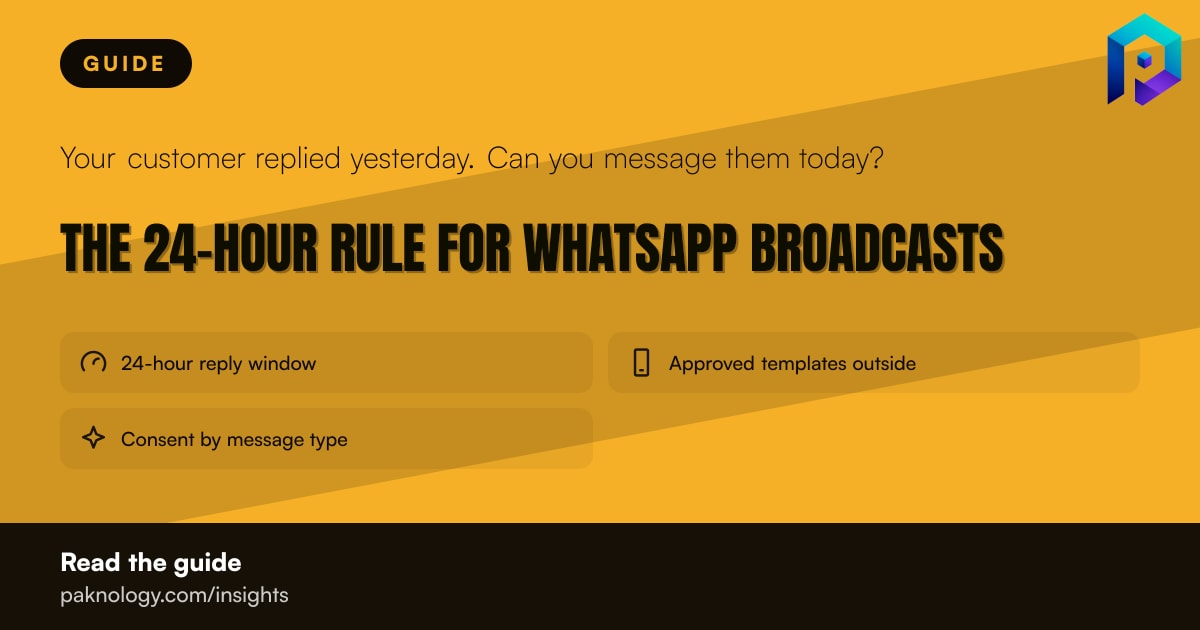
If a customer has messaged your business, you can reply without an approved template for up to 24 hours from that customer’s latest message. Once that window closes, a WhatsApp Cloud API message must use an approved template. That is the rule that matters for UAE businesses sending support updates, reminders or sales broadcasts.
WhatsApp applies this requirement to the WhatsApp Business Platform, including the Cloud API. It also says a business may start a conversation only with an approved Message Template, and that templates must be used for their designated purpose. WhatsApp can review, approve, pause or reject templates. Read the WhatsApp Business messaging policy before changing a live workflow.
A customer message opens a support window. It does not create a permanent licence to message that customer freely.

The window runs from the customer’s last message, not from the time your agent first opens the chat. For example, if a customer sends a delivery question at 10:00 on Monday, the business can reply without a template until 10:00 on Tuesday. If the customer sends another message at 09:45 on Tuesday, the practical deadline moves with that latest message.
At 10:01 on Tuesday, a normal free-form reply is no longer the compliant route. The business needs an approved template to restart contact. WhatsApp says conversations started by the business are subject to the applicable pricing for those conversations, so the cost is structured around the relevant message and conversation categories rather than a single universal broadcast fee.
This is why a “broadcast” should not be treated as a bulk version of a personal chat. A promotional message sent to people who have not recently contacted the business is a business-initiated conversation. It needs the right approved template, and it should only go to people who gave explicit consent to receive further WhatsApp messages.
WhatsApp’s policy says the business must have the person’s mobile number and explicit consent for later WhatsApp messages. That consent must clearly say the person agrees to receive messages on WhatsApp and clearly name the business.
The policy also recommends separating consent by message category. A customer might agree to order updates but not promotional offers. A sensible UAE record therefore keeps separate permissions for categories such as:
The business must also honour requests to block, stop or cancel messages, whether the request arrives inside or outside WhatsApp. That means an opt-out received by phone, email or in-store should reach the WhatsApp contact list as well.
Automation is allowed during the 24-hour customer-service window, but WhatsApp says businesses must provide clear and direct escalation routes. Its examples include a handover to a human agent, a phone number, an email address, web help, an in-store visit or a help form.
For a UAE retailer, this could mean an automated answer that offers “speak to an agent” and displays the support number. For a restaurant, it could route a missing-order complaint to a staff member and show the branch contact details. The important point is not to hide a customer inside an endless bot loop.
If your team needs a shared inbox, template workflow or escalation design, Paknology provides WhatsApp Business API implementation through Waphie. The sensible starting point is the process map, not the software: identify which messages are support replies, which are outbound campaigns and where a person takes over.
Start with an audit of the last month of WhatsApp activity. Mark each outbound message as a reply inside the 24-hour window, a business-initiated message using a template, or a message that should not have been sent.
Then check the evidence behind every contact. Can you show when the person gave their number, what WhatsApp consent they gave, which message category they accepted and when they opted out? If not, pause broad promotional broadcasts while the list is cleaned.
Next, review your templates. Each one should have a clear purpose and should not be reused for a different type of message simply because it was approved. Keep the wording consistent with the consent category. Create a short escalation path for complaints, sensitive requests and customers who ask for a person.
WhatsApp can limit or remove access where accounts receive too much negative feedback, harm users or breach its policies. It also says it may act against services that send messages at scale without proper authorisation. That makes list quality and complaint handling operational controls, not just marketing details.
Paknology has a commercial interest when a business needs WhatsApp Business API setup, template workflows or automation through Waphie. That may be useful if several staff share support work or if outbound messaging needs proper controls. A smaller business with occasional chats may be better served by the WhatsApp Business app and a simple consent spreadsheet. If your current volume is low, do not buy a platform merely because broadcasts are available.
For businesses that do need a controlled Cloud API process, prepare your consent records, message categories, template purposes and escalation contacts first. Then review the WhatsApp Business API service against that process rather than fitting the process around a tool.
Book a free consultation and get a clear roadmap — from company formation to a fully automated digital operation.