Guide2026-09-205 min read
Xcode 27.1 Beta: UAE iPhone Duo App Testing Checklist
Apple’s Xcode 27.1 beta adds iPhone Duo support. Here is what UAE app owners should test, what App Store assets change, and when to leave the work alone.
Apple’s Xcode 27.1 beta adds iPhone Duo support. Here is what UAE app owners should test, what App Store assets change, and when to leave the work alone.

UAE businesses with an iPhone app should test it in Xcode 27.1 beta if the app uses fixed layouts, custom navigation, full-screen visuals, cameras or orientation checks. Apple says iPhone Duo will be available on October 23, 2026, running iOS 27.1, while Xcode 27.1 adds the SDKs and simulator support needed to test its new poses and orientations. (developer.apple.com)
Businesses without an iPhone app, or with a simple app that already resizes cleanly, do not need to create a special Duo project. Apple says existing apps will run on the device. The benefit of rebuilding with the iOS 27.1 SDK is better use of the inner display, including edge-to-edge layouts and new placement for navigation and toolbar controls. (developer.apple.com)
The sensible UAE response is a focused compatibility test, not a speculative redesign.
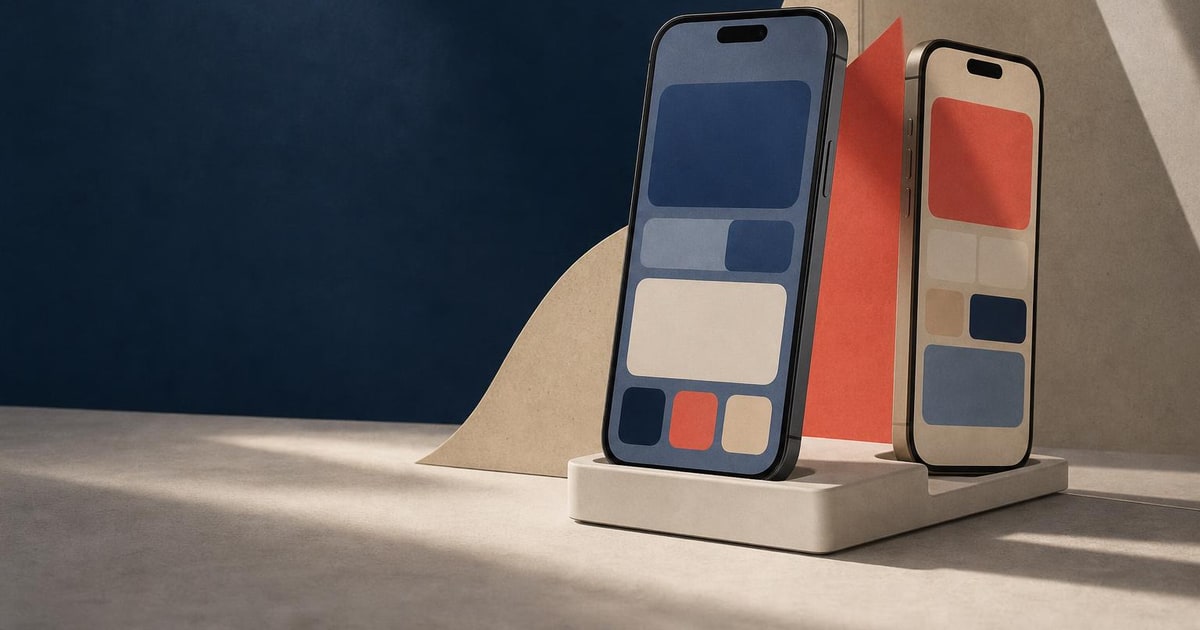
Apple has opened preparation for iPhone Duo through Xcode 27.1 beta, design resources and technical guidance. The simulator can show the device opened, closed, rotated or partially folded. Apple’s guidance says developers should build for changing available space rather than create a separate design for every pose. (developer.apple.com)
The main technical change is how an app decides what fits on screen. Apple recommends size classes and safe areas instead of fixed widths, hard-coded screen assumptions or interface-orientation checks. The outer display behaves more like a conventional iPhone, while the inner display provides regular horizontal and vertical size classes and can support richer layouts such as sidebars. (developer.apple.com)
Apple also warns against referring to the main screen on a two-display device. Developers should use the environment, trait collection, scene bounds or a dynamically obtained screen instead. This matters most for older UIKit code and custom components that position content manually. (developer.apple.com)
For a Dubai retailer, property company, restaurant group or service business with a customer-facing iPhone app, the risk is not that the app suddenly stops working. The risk is that important content becomes awkward in one of the new shapes.
A booking button may sit too close to the fold. A product grid may waste the inner display. A camera screen may assume one orientation. A custom tab bar may clash with the vertical system layout. These are examples of issues the Apple guidance tells developers to test through flexible layouts, safe areas and standard navigation patterns. (developer.apple.com)
The App Store side also needs a separate check. Apple’s screenshot specification lists iPhone Duo assets for both the outer display and inner display, with portrait and landscape dimensions. However, Apple says support for uploading these device assets in App Store Connect will be available later in 2026. (developer.apple.com)
That means a UAE business should not rush to replace every App Store screenshot today. It should prepare the app screens and marketing artwork, then update the listing when Apple enables the relevant upload option.
A small business can make this a contained quality check. Start with the screens that affect sales, bookings or customer support. There is no commercial reason to redesign a stable back-office app simply because the device exists.
Suppose a UAE food-delivery app has a fixed-width menu, a custom checkout toolbar and a camera-based receipt upload. The owner should first test the menu and checkout in the outer and inner displays, then fold and rotate the simulated device while uploading a receipt.
If the menu resizes, the toolbar stays reachable and the camera view remains usable, the owner may only need regression fixes. If the app relies on a single screen reference or assumes portrait mode, the developer should replace those assumptions before testing the full customer journey again. Apple’s own example guidance favours size classes, safe areas and standard navigation over separate layouts for every pose. (developer.apple.com)
Paknology has a commercial interest here: it provides websites and mobile apps, so an app update or compatibility project can become paid development work. Its websites and mobile apps service is relevant when a UAE business needs changes made rather than only a developer checklist.
A cheaper or simpler option is better when the business has no iPhone app, the app is already adaptive, or the owner can run the simulator checks with an existing developer. In that case, document the result and leave the product alone. If your app does need changes, prepare the high-value screens and testing cases before discussing the work with Paknology.
Sources
Book a free consultation and get a clear roadmap — from company formation to a fully automated digital operation.