Technology2026-09-235 min read

AndroidX Security State for UAE Payment App Security Checks

Google’s stable AndroidX Security State libraries let apps inspect patch status by component, identify pending updates and check selected CVEs. Here is what UAE app owners should do with them.

AndroidX Security State for UAE Payment App Security Checks

AndroidX Security State measures detailed device patch status

Google released stable AndroidX Security State 1.1.0 and Security State Provider 1.0.0 on 17 September 2026. The libraries give Android apps a more precise view of a device’s security posture than one overall Security Patch Level, or SPL. They can inspect the system, system modules and kernel separately, then compare the installed state with published security information and updates waiting to be installed. Google’s announcement sets out the change.

That matters when an app handles payments, identity checks, stored value, employee access or sensitive records. A UAE fintech, retailer, healthcare provider or delivery platform can use the result to decide whether a sensitive action should continue, whether the user should update first, or whether the app should apply a narrower control.

The practical gain is not a bigger security warning. It is a better decision about one risky action.

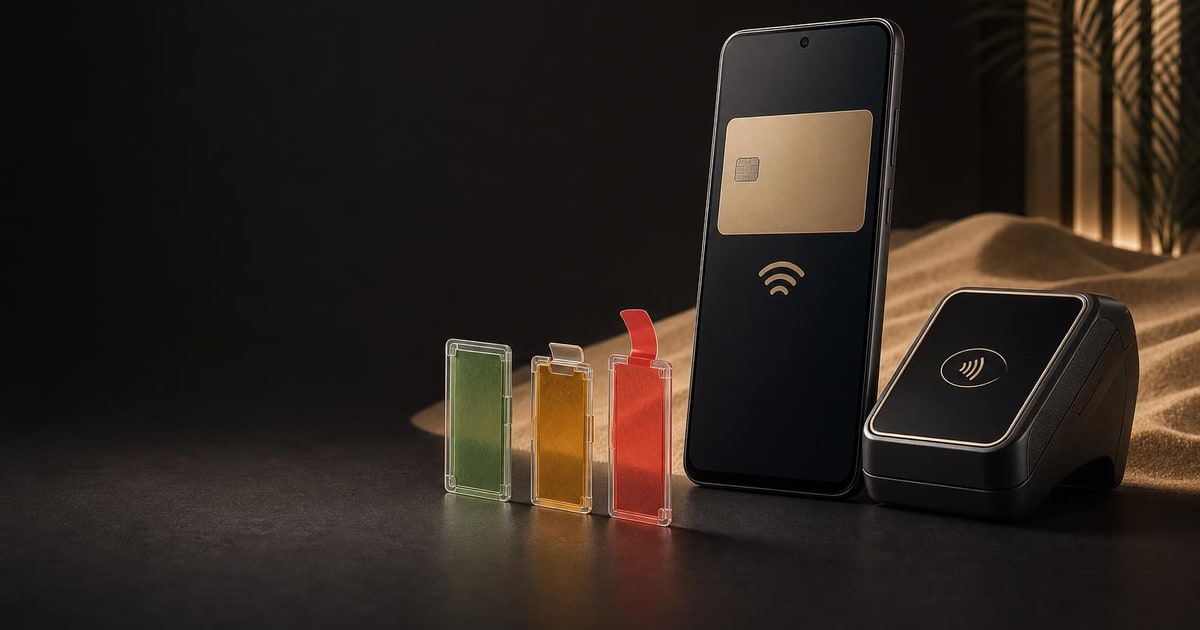
A smartphone and contactless payment terminal sit beside three physical security panels showing clear, amber and warning states.

AndroidX Security State compares DSPL, PSPL and ASPL

The AndroidX Security State library presents three useful patch views:

The distinction is important because Android updates do not all arrive through the same route. The core system may receive an OEM over-the-air update. System modules can be updated independently through Google Play system updates. Kernel security is assessed through kernel release versions rather than only a calendar date.

An app can read DSPL locally and synchronously. It can query ASPL through on-device update providers, using an asynchronous call. It can also load an Open Source Vulnerabilities report and check whether named CVEs have been resolved. Google’s device security state guide documents the API behaviour and its limits.

This is not a complete replacement for every Android security control. The guide says the library evaluates software patch compliance and update availability. Hardware-backed authenticity, tampering and app licensing still require Play Integrity used alongside it.

  • —Device SPL, or DSPL: the patch state currently installed on the device
  • —Published SPL, or PSPL: the security baseline published in Android’s bulletins and vulnerability data
  • —Available SPL, or ASPL: a newer patch available through a trusted update provider

How a UAE wallet app can check Android patch status

Imagine a UAE wallet app with a high-value transfer screen. The team has decided that the transfer should not proceed if the system or mainline module is below its internal patch baseline, or if a trusted provider reports a newer security update ready to install.

The implementation path is straightforward:

For a higher-assurance workflow, the app can load the OSV vulnerability report, call `isDeviceFullyUpdated()` or test specific CVEs with `areCvesPatched()`. The team should cache the report and refresh it in background work rather than blocking the main interface. The Android guide recommends refreshing the data periodically because security bulletins are published monthly.

The platform support detail also matters. Android 11, API level 30, and higher support all listed components, including available-update queries. Android 10 supports system and system-module patch levels, but not bulletin-published kernel versions. Android 9 and older have further limitations. A UAE app with a long tail of older devices should therefore test the fallback path instead of assuming every phone exposes the same data.

  • —Add `androidx.security:security-state:1.1.0` from Google Maven
  • —Initialise `SecurityPatchState` with the app context
  • —Read the system, system-module and kernel states
  • —Compare the device state with the team’s required baseline
  • —Query available updates before the transfer if freshness matters
  • —Send the user to system settings when an update is waiting

What AndroidX Security State changes for app owners

The release does not create a UAE compliance deadline, and it does not mean every app needs a new security gate. It gives an app team a standard way to replace a blunt rule such as “block every device below this monthly date” with a more informed rule.

For a payment or identity product, the sensible first step is to map sensitive actions. Decide which actions need a current device posture, which can continue with a warning, and which should use another control. Then test the result across supported Android versions and update providers.

For a catalogue, booking or content app that does not expose valuable credentials or high-risk transactions, the right decision may be to do nothing for now. Adding a library without a clear product decision creates maintenance work without reducing a defined risk.

If your business is commissioning a new Android app, include this question in the security and acceptance checklist rather than adding it after launch. Paknology’s Websites & Mobile Apps service covers app development, but the security policy and approval thresholds should come from your product and risk owners. For testing discipline, the iOS 27 testing checklist for UAE app teams is also a useful comparison, even though this Android release is separate.
Paknology’s role in UAE Android app security work

Paknology has a commercial interest where a UAE business needs a mobile app built or updated. We can help with the app work, but a small business with no sensitive Android workflow may be better served by leaving its current app unchanged and asking its existing developer for a short security review instead.

Next, list the two or three app actions where a compromised or unpatched device would matter most. If that points to a new Android build or security update, use the websites and mobile apps service; if it does not, document the decision and leave the library out.

Ready to launch, automate and scale?

Book a free consultation and get a clear roadmap — from company formation to a fully automated digital operation.