Technology2026-10-085 min read

iPhone Duo app testing checklist for UAE businesses

Apple says iPhone Duo arrives on October 23, 2026. UAE app owners should test resizing, remove fixed-screen assumptions and plan new App Store screenshots before April 2027.

iPhone Duo app testing checklist for UAE businesses

iPhone Duo app compatibility for UAE apps

UAE businesses with an iPhone app should add iPhone Duo to their testing plan, but not assume that every app needs a full rebuild. Apple says iPhone Duo will be available from October 23, 2026, and that apps built with iOS 27.1 or later can use the device’s full displays and adapt across its folded and open layouts.

Apps built with older SDKs will still run. The difference is how well they use the new form factor. An app built with the iOS 26 SDK may sit in the centre of the inner display with empty space around it. An app built with the iOS 27 SDK fills more of the display. An app built with the iOS 27.1 SDK or later is optimised for the full layout, with toolbars and tab bars moving vertically below the status bar.

The sensible UAE response is a compatibility test first, followed by targeted layout work where the evidence shows a problem.

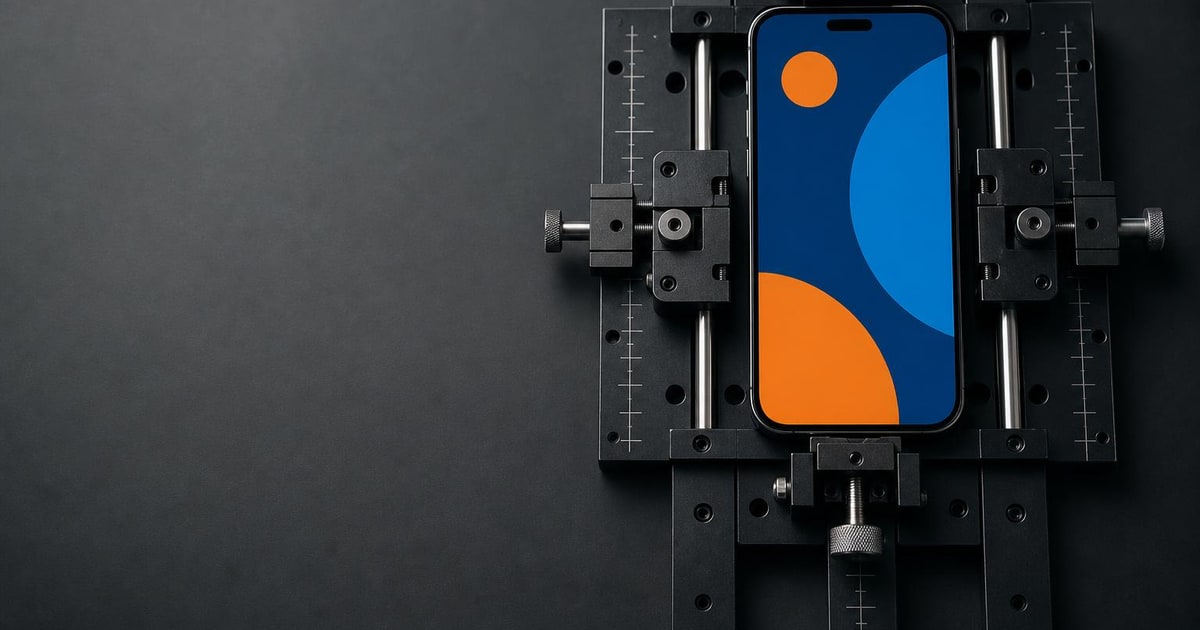
A smartphone displaying an abstract app layout sits in an adjustable testing jig on a workbench.

iPhone Duo screen resizing and App Store changes

Apple’s preparation guidance is aimed at a common weakness in mobile apps: code that assumes the screen has one known size or one meaningful orientation. iPhone Duo changes the available space when the device folds or unfolds, so the application window can resize during a session.

Apple specifically warns against sizing layouts from `UIScreen.main`, making layout decisions from device orientation, choosing layouts only from whether the device looks like an iPhone or iPad, and checking for specific screen dimensions. These shortcuts can produce stretched, clipped or misplaced content on the new device.

Xcode 27.1 adds the development support needed for iPhone Duo. Apple also provides an iPhone Duo simulator and a resizable simulator in Device Hub. Its preparation guide says developers should test extreme window sizes in both directions, including changes caused by folding and unfolding.

The company has also updated its App Store preparation. Developers can submit iPhone Duo-optimised apps and games now. From April 2027, Apple says app and game submissions will need to include iPhone Duo screenshots.

iPhone Duo impact on UAE business apps and websites

The impact depends on what the business owns. A UAE retailer with a native shopping app, a restaurant with ordering and loyalty features, a property company with listings, or a service brand with an account app has a real testing task. The app may work technically but still look unfinished on the larger inner display.

For a business that only has a mobile-friendly website, there is no iPhone Duo rebuild in the Apple sense. The practical check is whether the website already responds cleanly to wider and changing viewports. That is a web layout issue, not an Xcode issue.

For an agency managing several client apps, the change is mainly a portfolio exercise. The team needs to identify which projects are native iOS apps, which use fixed dimensions, and which have image-heavy screens where a wider layout could crop important content. A shared testing checklist is more useful than promising every client a redesign.

This is also an App Store asset task. A screenshot that looks convincing on a standard iPhone may not explain how the product works across the folded and open states. Apple provides updated screenshot specifications and a preview tool in App Store Connect so teams can review their assets before submission.

iPhone Duo testing workflow for UAE app teams

Start with an inventory. Record the app’s current Xcode version, the SDK used for the latest release, the screens that depend on fixed dimensions, and the screens that use full-bleed images or video.

Then create a test build with Xcode 27.1. Use the iPhone Duo simulator and Device Hub to check the main journeys: sign-in, search, product or property detail, checkout, payments, bookings, support and account settings. Test both folded and open states, and resize the app while a user journey is in progress.

Ask the development team to search for `UIScreen.main`, orientation checks, known iPhone dimensions and device idiom checks. Replace screen-based sizing with the view or window’s current bounds. In SwiftUI, Apple points developers towards `GeometryReader` or `onGeometryChange`; in UIKit, layout work should respond when the view size changes.

Review media separately. Product photographs, restaurant menus, property images and promotional banners may lose important content when displayed across a wider area. The fix may be a different aspect-ratio rule or a defined focal point, rather than a new image for every screen.

Finally, refresh the App Store assets when the interface is stable. Keep the original screenshots if they still explain the product, but add visuals that show the app adapting across orientations. Apple’s iPhone Duo preparation guide and screenshot specifications should be the reference points for the development and design teams.

iPhone Duo action plan for UAE app owners

If the app generates meaningful sales, bookings or customer service activity, approve a short audit and simulator test. That is a specific step with a clear output: a list of defects, screenshots that need replacing and a decision on whether the next release should use the iOS 27.1 SDK.

If the app is rarely used, has no planned iOS release, or is already scheduled for a larger redesign, add iPhone Duo to that existing work rather than commissioning a separate project. If the business has no native iOS app, do nothing with Xcode. Review the website only if its layouts already struggle on wider screens.

Paknology has a commercial interest here because it provides websites and mobile apps, and can also support related digital marketing and SEO. A cheaper or simpler option is better when your app is low priority: use Apple’s simulator guidance internally, ask the existing developer for a compatibility check, or wait until the next planned release. If you need a new app or a structured update, prepare the project inventory and test cases before asking for a proposal.

Ready to launch, automate and scale?

Book a free consultation and get a clear roadmap — from company formation to a fully automated digital operation.