Technology2026-11-104 min read

Restro OS for UAE restaurants: one flow from QR to kitchen

Restro OS has launched a browser dashboard and desktop app covering menus, QR ordering, POS and kitchen work. Here is what a UAE café or restaurant should actually test before changing systems.

Restro OS for UAE restaurants: one flow from QR to kitchen

What Restro OS has launched

Restro OS launched on 2 October 2026 with two connected parts: a browser dashboard for menus, orders, tables and team management, and a desktop app for the counter and kitchen. The product is designed to keep the guest menu, orders, bill and kitchen activity in one operating flow rather than splitting them across separate tools. (restroos.io)

The product began in March 2026 as a QR menu and guest-ordering project. By April, its first web version was live. Between May and August, the company added the desktop POS and kitchen app, modifiers and a rebuilt database. Version 1.5.0 reached the browser and desktop on 19 September, before the public launch.

The launch page names two product areas: Menu Plus and Smart Orders. It also says restaurants can manage a menu, share it with one QR code and follow every order live. That gives an independent operator a simple proposition: one place to update what is being sold, receive orders and see their progress.

The useful part is not the QR code by itself. It is the link between the menu, counter and kitchen.

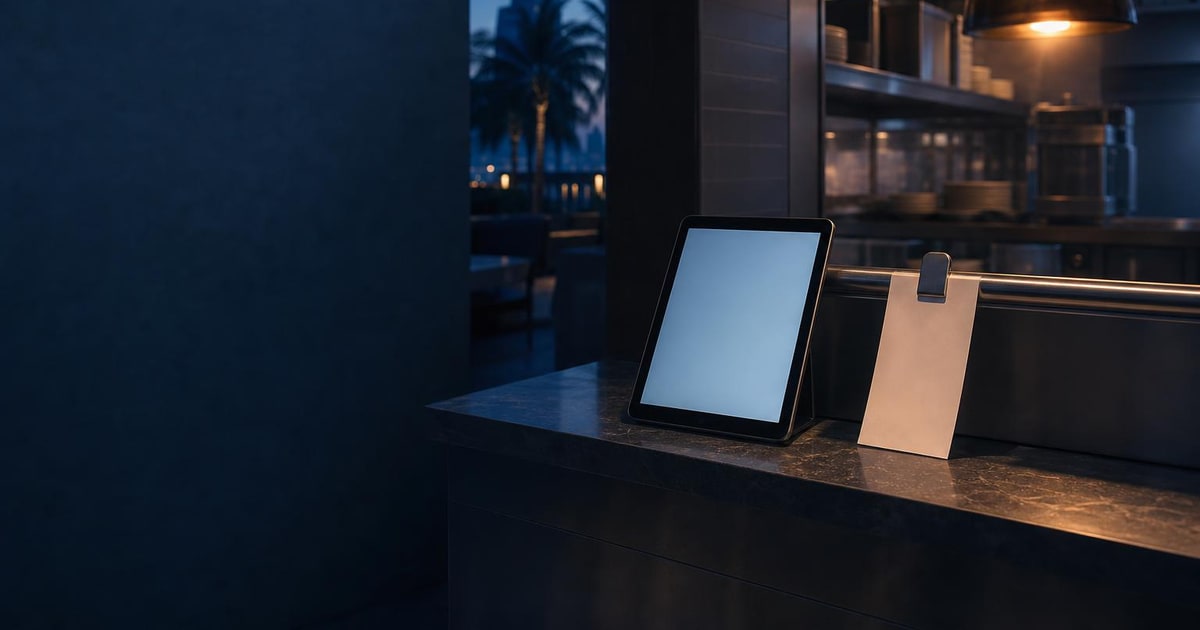
A tablet and blank ticket sit on a restaurant pass leading toward a softly lit kitchen hatch.

What changes for a UAE restaurant

For a small café, takeaway shop or independent restaurant, Restro OS is another lightweight system to evaluate alongside the larger restaurant platforms already on the market. The practical question is not whether QR ordering sounds modern. It is whether the full route from customer order to kitchen preparation and bill is easier to control.

A UAE operator could use the browser side to maintain menu categories and items, then use the desktop side at the counter and kitchen. The launch page also says the system supports modifiers, token numbers on receipts and five simple team roles. Sign-in uses a six-digit code instead of a password, and devices on the account are intended to stay in step. (restroos.io)

That may matter where the owner wants fewer screens and a shorter training process. It does not, by itself, settle questions about payment terminals, VAT treatment, accounting exports, delivery integrations, receipt requirements or e-invoicing. The launch announcement does not establish those details, so they belong on the buying checklist rather than in the assumption column.

A restaurant comparing products should also separate a genuine operating need from a fashionable feature. QR ordering is useful when the menu changes often, staff need a clear order queue, or customers can order without waiting at the counter. It is less important if most sales are already handled smoothly by a cashier and the kitchen has no problem receiving tickets.
A sensible test before changing systems

Do not start by moving the whole operation. Build one representative test menu and run it through a normal service period.

Use a real service pattern rather than a clean demo. Test a meal with add-ons, a sold-out item, a cancelled order and two orders arriving close together. If the owner or shift supervisor cannot understand the queue without explanation, the system has not simplified the job enough.

This is also where a restaurant should compare the product with its present setup. If the current POS already handles counter sales, kitchen tickets, stock, payments and accounts reliably, a QR feature alone may not justify replacement. If staff are copying orders between a QR menu, messaging app and till, a connected workflow deserves a proper trial.

For a broader checklist of capabilities, see what a restaurant POS in Dubai should be able to do. Paknology also works with restaurant POS systems, but the right choice may still be to keep an existing system if it is working and the missing feature can be added without creating another source of truth.

  • —Add the busiest categories and modifiers
  • —Place one guest order through the QR menu
  • —Enter one counter order on the desktop app
  • —Check the kitchen queue and token receipt
  • —Amend an item and watch every screen
  • —Confirm what data can be exported or reconciled

What the owner should do next

The sensible next step is a controlled pilot in one outlet, one menu and one shift. Ask Restro OS for clear answers on payments, reporting, exports, permissions, support and any recurring charges before treating the launch announcement as a complete buying case. The company’s own announcement is the starting point for that conversation: Restro OS launch details.

Paknology has a commercial interest where a UAE restaurant needs POS implementation or related operational software, so its restaurant POS service may be relevant. A cheaper or simpler option is better when the restaurant only needs a QR menu, already has a dependable till, or can solve the bottleneck without replacing the system behind it.

Ready to launch, automate and scale?

Book a free consultation and get a clear roadmap — from company formation to a fully automated digital operation.