Technology2026-09-244 min read

SumUp POS Plus for UAE Cafes: Features, Limits and Checks

SumUp POS Plus adds floor plans, synced orders, barcode scanning, staff PINs and accounting links. For UAE cafes, the useful lesson is what to test before choosing any restaurant POS.

SumUp POS Plus for UAE Cafes: Features, Limits and Checks

SumUp POS Plus for UAE Cafes: US Availability and Limits

SumUp POS Plus is a new paid tier for SumUp’s US point-of-sale platform. It adds the controls that a busy cafe or quick-service restaurant needs when one payment screen is no longer enough: floor plans, open and transferred orders, multiple connected devices, barcode scanning, cost-of-goods tracking, staff PINs and accounting integrations. The important UAE point is less exciting. The launch is for US merchants, so a Dubai cafe should not treat it as a ready-to-buy local solution.

The announcement was made on September 23, 2026. SumUp says POS Plus sits between its free plan and its higher-tier POS product, and can be set up in minutes. Its official launch announcement describes the product as a way for smaller operators to manage more complex service without losing speed or accuracy.

The feature list is relevant to UAE restaurants. The market availability is not yet proven for UAE operators.

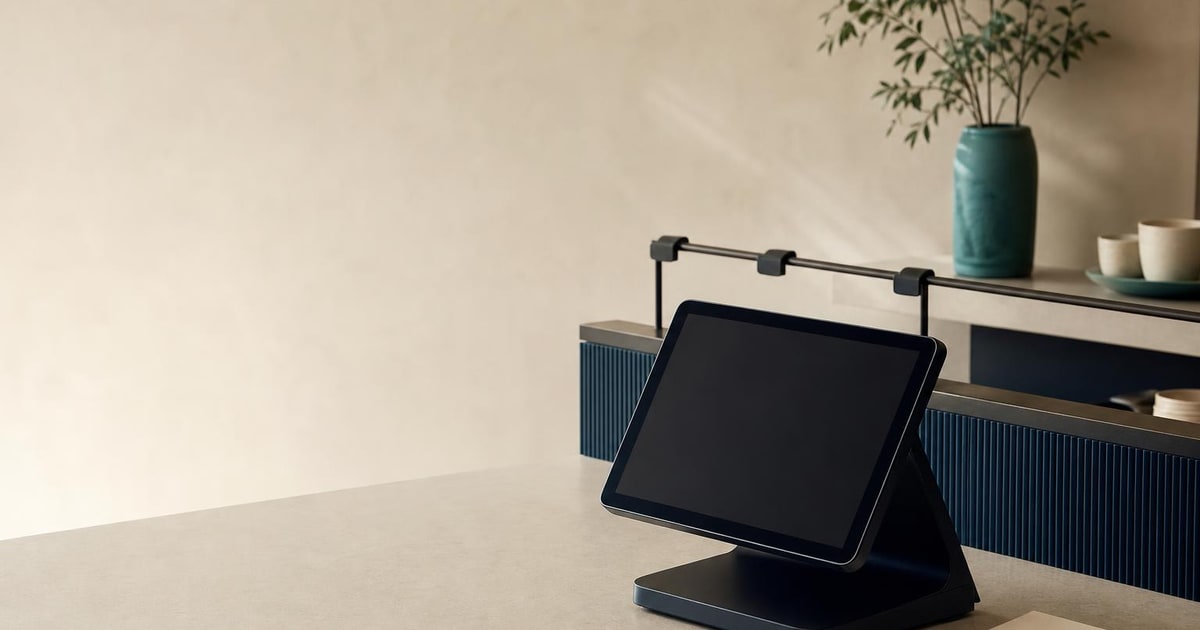
A blank-screen POS tablet sits on a cafe counter beside a blank order slip and ticket rail.

SumUp POS Plus Features: Floor Plans, Orders and Staff PINs

The new tier is about operational control rather than a different way to take a card payment. A floor plan gives staff a visual view of tables. Order management lets a business open, transfer and synchronise orders across devices. Barcode scanning is useful for packaged products, retail items or faster stock-led checkout. Employee PINs create individual staff access instead of one shared login.

The accounting connection is also significant. SumUp says POS Plus can connect with QuickBooks, Xero and other leading platforms. Its official comparison page also lists multi-printer support, kitchen printing, cashbook functions, financial reporting and support for handheld ordering devices.

For a two-station cafe, the practical example is straightforward. One employee can take an order on a handheld device, another can manage the counter, and the kitchen can receive the ticket through a connected printer. A manager can then review sales and staff activity without relying on one shared till login. That is the kind of workflow the product is designed to support.

UAE Cafe POS Checklist: VAT, Offline Mode and Costing

The launch should change your checklist, not necessarily your software. A UAE restaurant needs a POS that handles local tax treatment correctly on invoices, keeps working when the internet drops, tracks the real cost of dishes and can support future structured invoicing requirements. Those are separate questions from whether a product has floor plans or barcode scanning.

The Dubai restaurant POS checklist is a useful test. It puts line-level VAT handling, offline operation, recipe and ingredient costing, delivery orders and structured invoice data ahead of attractive feature lists. POS Plus mentions cost-of-goods tracking, but the announcement does not establish whether its implementation fits UAE recipes, suppliers, tax invoices, payment acquiring or delivery workflows.

There is another limitation. SumUp’s announcement says the product is available to US merchants. That means a UAE owner should confirm, in writing, whether the service accepts UAE businesses, supports local payment arrangements, supplies compatible hardware and connects to the accounting system already used by the company. Until those answers are clear, changing systems because of this launch would be premature.

  • —Ask about UAE merchant eligibility
  • —Confirm tax invoice handling
  • —Test offline order synchronisation
  • —Check recipe-level costing
  • —Verify accounting and payment integrations

How UAE Cafes Should Test a New POS

If your current POS handles orders, stock, staff access and bookkeeping reliably, do nothing. There is no business case for replacing a working system because a US vendor has added a useful feature tier.

If your cafe is running on one shared tablet, separate delivery screens and manual spreadsheets, use the announcement as a requirements document. Write down the service flow before speaking to a supplier. Count the order-taking devices, printers, tills, kitchen stations and staff roles you actually need. Then test the system with a real menu, modifiers, split bills, discounts, refunds and an internet outage.

A local system may be a better fit if the priority is UAE tax treatment, offline billing, recipe costing or multi-branch control. Paknology’s restaurant POS service covers table maps, split bills, mixed payments, offline mode, kitchen display, recipe-level inventory, delivery integration and branch reporting. The sensible comparison is not “which product has the longest feature list?” It is “which system produces the right invoice, margin report and kitchen workflow for this outlet?”
Restaurant POS Buying Advice for UAE Cafes

Paknology has a commercial interest here because it builds restaurant POS and back-office systems. That means its recommendation is not neutral. A cheaper off-the-shelf product may serve a standard single-site cafe better, especially if the owner only needs orders, payments and basic reports.

The next step is to document your outlet’s workflow and ask for a live test using your own menu and devices. If the gaps are local tax, food costing, offline service or branch control, restaurant POS implementation is the relevant conversation. If the existing setup already works, keep it and review the market later.

Ready to launch, automate and scale?

Book a free consultation and get a clear roadmap — from company formation to a fully automated digital operation.